
Notify me, from the other side: your own customers are the fastest way to fill a gap
A cancellation at half two is worth nothing on a review site and not much on Instagram. The people who would take it are the ones who already use you — and this is how you tell them in one tap.
Somebody cancels at half two. You have an hour and a half you were going to be paid for and now you are not.
What happens next is almost always the same. You post it — a story, a line on the page — and then you get on with something else. Maybe somebody sees it. Usually the slot stays empty, and by five o'clock it has stopped being a gap and started being a short day.
The frustrating part is that the person who would have taken that slot almost certainly exists. They rang you three weeks ago and you were booked. They are still waiting. You have no way to reach them, and they have no way to know.
Why posting it does not work
Not because social media is useless, but because it is the wrong shape for this job.
An algorithm decides who sees it. Not the people who wanted an appointment — whoever happens to be scrolling, which on a Tuesday afternoon is a fraction of your followers and mostly not the right fraction.
It is slow. A story might surface in an hour. The gap is in ninety minutes.
Your followers are not your customers. They overlap, but a page follower is somebody who liked a photo once. The person who rang and got turned away is often not following you at all.
What Notify me actually is
When a customer taps Notify me on your Speedi profile, they join a list that only you can reach. They are not followers in the social sense — they are people who looked you up specifically and wanted you.
You reach them two ways, and neither involves writing a post.
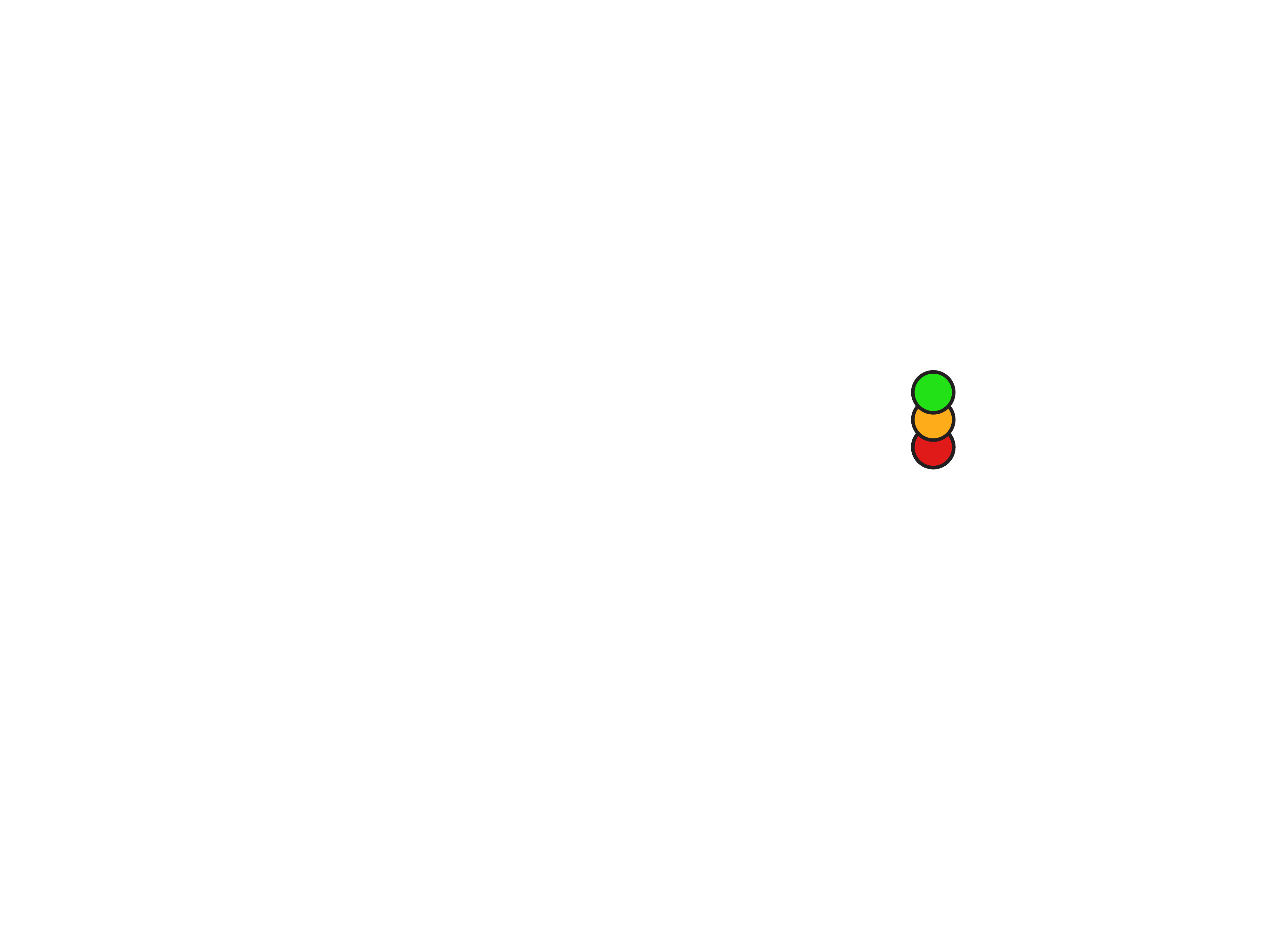
Tap your light green. Everyone following you is told you are free. No typing — it happens because you set your status, which you were doing anyway.
Tap it again when a slot opens. A cancellation on Friday, a gap next week. Same action, same list, straight to their phone.
Before Facebook. Before Instagram stories. A notification, to people who already wanted you.
Build the list from the customers you already have
This is the part most people skip, and it is the part that makes it work.
Your Notify me list starts empty. It fills fastest not from strangers finding you on the map but from the customers you already have — the ones in your phone, the regulars, the people you turned away last month.
Tell them. Next time somebody rings and you are booked, say: "Look me up on Speedi and tap notify me — you'll get a message the second I've got a gap." It takes ten seconds to say and it converts a lost job into somebody waiting for your next cancellation.
That is a list you own, it costs nothing, and no algorithm sits between you and it.
What it is worth
A gap filled is the cheapest work you will ever take, because the alternative is nothing. There is no travel to a new area, no quote to write, no haggling — somebody who already wanted you, taking a time you were not going to sell.
It also changes what being busy means. Right now, being fully booked costs you every customer who rings that week. With a list, being booked is how the list grows.
Two things that have to be switched on
Worth thirty seconds in your phone's settings, because both fail silently.
Notifications — yours, so you know when somebody wants you, and theirs, or your message arrives nowhere. A follow with notifications denied never fires, and neither of you finds out.
Location — your pin only moves when location is on. With it off you sit wherever you last were, which for some people has meant showing up on the map in the wrong town entirely.
Neither of these tells you it is off. The app just goes quiet, and it is easy to conclude Speedi is not working when the phone was never allowed to say anything.
The short version
- The person who wants your cancelled slot already rang you once.
- Posting it reaches whoever is scrolling; a notification reaches whoever wanted you.
- Build the list from your existing customers — tell the next person you turn away.
- Tap green when the gap appears. That is the whole job.
Free to show your availability. No subscription.